



Roxily 1.3.8 adds voice messages to thanks. After your partner finishes a shared Activity, you can record up to one minute and send it with your thank-you, on its own or together with a heart, a note or a meme. The same recorder works in the weekly recap, where you thank each other for the whole week.
The update is rolling out on iOS and Android. Both phones need version 1.3.8 to record and play voice messages.
When a voice message says more than a heart
A heart is quick. A note is specific. A voice message carries tone: tired but grateful after a long day, laughing about the cat litter, or a plain “thanks for walking the dog in the rain” said the way you would say it at the door.
It also helps when you are apart during the day. One of you cooks before the other gets home; the thank-you waits in the app and can be heard on the way back.
How to record a voice thank-you
- Open the completed Activity and tap the thank button.
- Tap Record voice message. The first time, your phone asks for microphone access. Roxily only asks when you tap record.
- Talk for up to one minute. The phone gives a gentle buzz when the last ten seconds begin and stops at the limit.
- Listen back. Discard and record again if you want.
- Add a note or a meme if you like, then send.
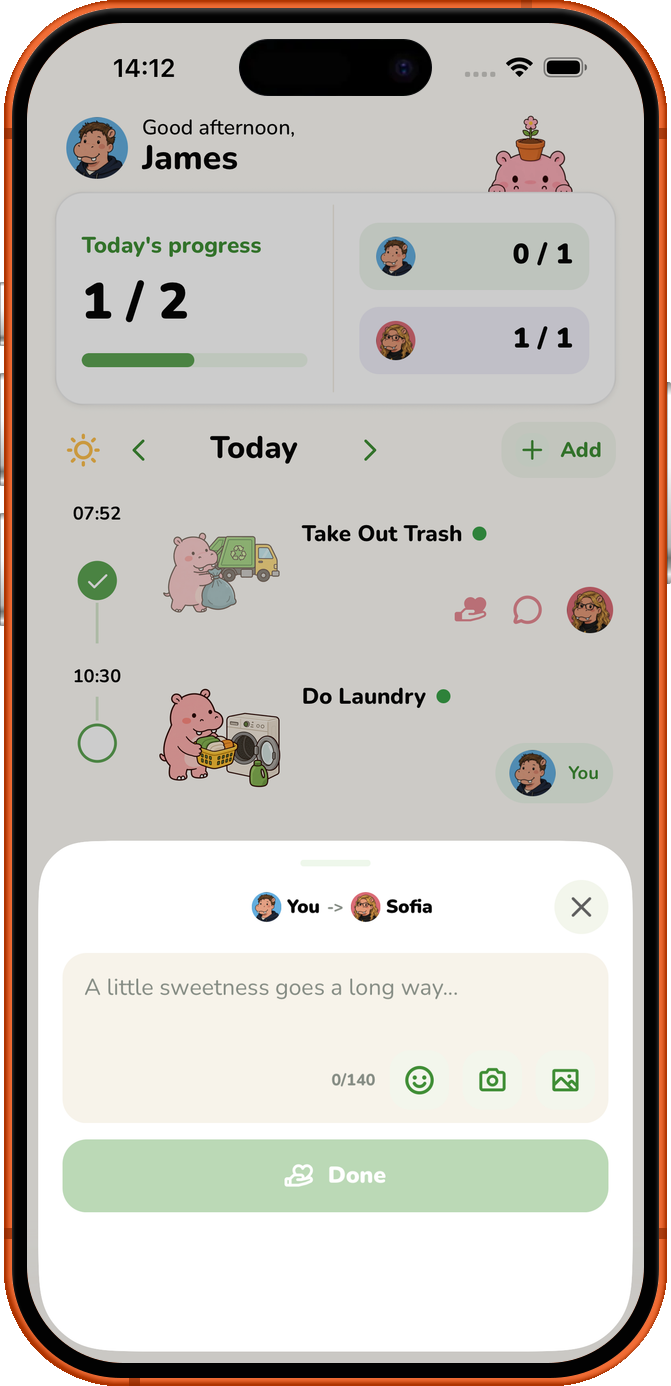
What your partner sees
They get a notification that names the Activity, for example “For Walk Dog, sent you a voice message.” Opening it plays the message in Roxily, with a waveform they can scrub through. The message stays attached to that Activity, so it is easy to find again later.
Thank each other for the whole week
Each Monday, Journey shows a recap of the previous week, Monday to Sunday in your Space’s time zone. Each of you can send one thank-you for that week: a note, a meme, a voice message, or all three. It appears on your partner’s recap card and stays there for a week.
Good to know
- Voice messages can be up to one minute long.
- Recordings are stored on Roxily’s servers and can be played by the people in your Space. The privacy policy has the details.
- Thanks, including voice messages, are part of the free plan while your Space is within the free Activity limit. Premium removes that limit for both people.
- You can open a thank-you you sent and change the note or the voice message later.
If you have not used thanks before, start with the thank-you guide. To look back at completed work over time, read the chore tracker guide.
Roxily is available on iOS and Android. You can start free; check current plan details for Activity limits and Premium features.
Download Roxily on the App Store · Get Roxily on Google Play